Background noise, wind, chatter or echo can make your voice hard to follow. Enhance Audio uses AI to reduce background noise and keep your voice clear at a steady volume.
Enhance Audio is one of OneMob's AI tools. If your plan does not include AI tools, turning it on opens an upgrade prompt instead.
Turn on Enhance Audio
- Go to your Library.
- Hover over the video and select the checkbox on its card.
- Click Edit in the actions above your content.
- Open AI Tools.
- Turn on Enhance Audio.
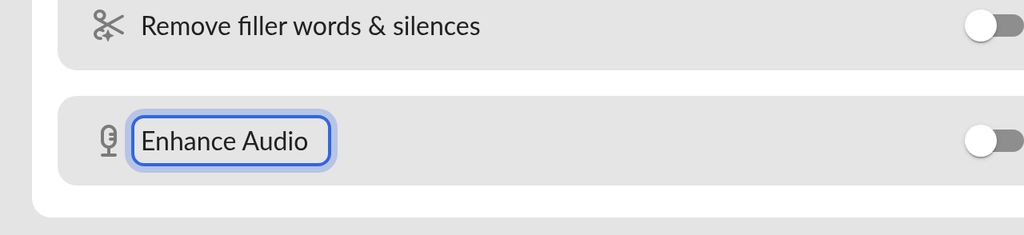
You can turn on Correct Eye-Tracking and Remove filler words & silences in the same edit. To enhance the audio of several videos, select each one in your Library (up to 10) before you click Edit.
Save your changes
- Click Save.
Saving applies the enhancement to the video. Keep original in the Library is on by default, so OneMob first saves a copy of the video with its original audio to your Library. To replace the original without keeping a copy, click the arrow next to Save and turn off Keep original in the Library before you save.
If something does not work
- If an upgrade prompt appears when you turn on the toggle, your plan does not include AI tools. Ask your admin about upgrading.
- If you prefer the original sound, open the original copy in your Library and use it instead.
Was this helpful?