The engagement rate tells you how many of the people you sent a campaign to actually interacted with your microsite, not only opened it. Use it to compare campaigns and see which content holds your recipients' attention.
How it is calculated
The engagement rate uses two numbers:
- Engaged recipients: the recipients who took at least one of the engaged actions listed below. Each recipient counts once, however many engaged actions they take.
- Recipients: the people the campaign was sent to.
Engagement rate (%) = engaged recipients ÷ recipients × 100
Actions that count as engagement
A recipient is engaged when they do at least one of the following on your microsite:
- Send you a response
- Watch a video
- Click content, such as a button or a link
- View a document
- Download a document
- View an image
- Click one of your social links
- Click your meeting link
- Forward the microsite
Actions that do not count
- Opening the email
- Viewing the microsite page
OneMob tracks opens and page views separately, so you can still see how many recipients opened the email or visited the page.
Find the numbers for a campaign
- Open Campaigns.
- Find the campaign in the list.
- Divide the number in Engaged by the number in Recipients, then multiply by 100.
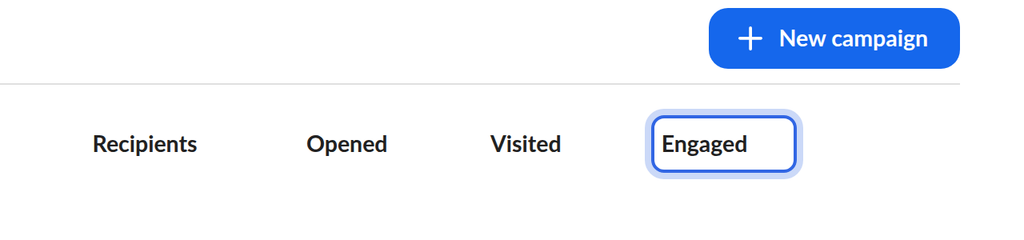
Opened and Visited show how many recipients opened the email and visited the microsite, each counted once. Point to a number and click View list to see who those recipients are.
Example
You send a campaign to 50 recipients. 35 of them open the email and 30 visit the microsite, but only 20 watch the video, click a button or take another engaged action. Your engagement rate is:
20 ÷ 50 × 100 = 40%
The recipients who only opened the email or visited the page are not counted as engaged.
Why this metric matters
Opens and page views tell you that recipients saw your campaign. The engagement rate tells you whether they did something with it. A high open count with a low engagement rate suggests your content is not holding attention once people land on it, while a high engagement rate shows that recipients find value in what you shared.
Was this helpful?